Drag, drop, resize — watch the code write itself.
A real visual editor on an infinite canvas. Every move you make becomes clean, production Flutter in real time. Design like a designer, ship like an engineer.
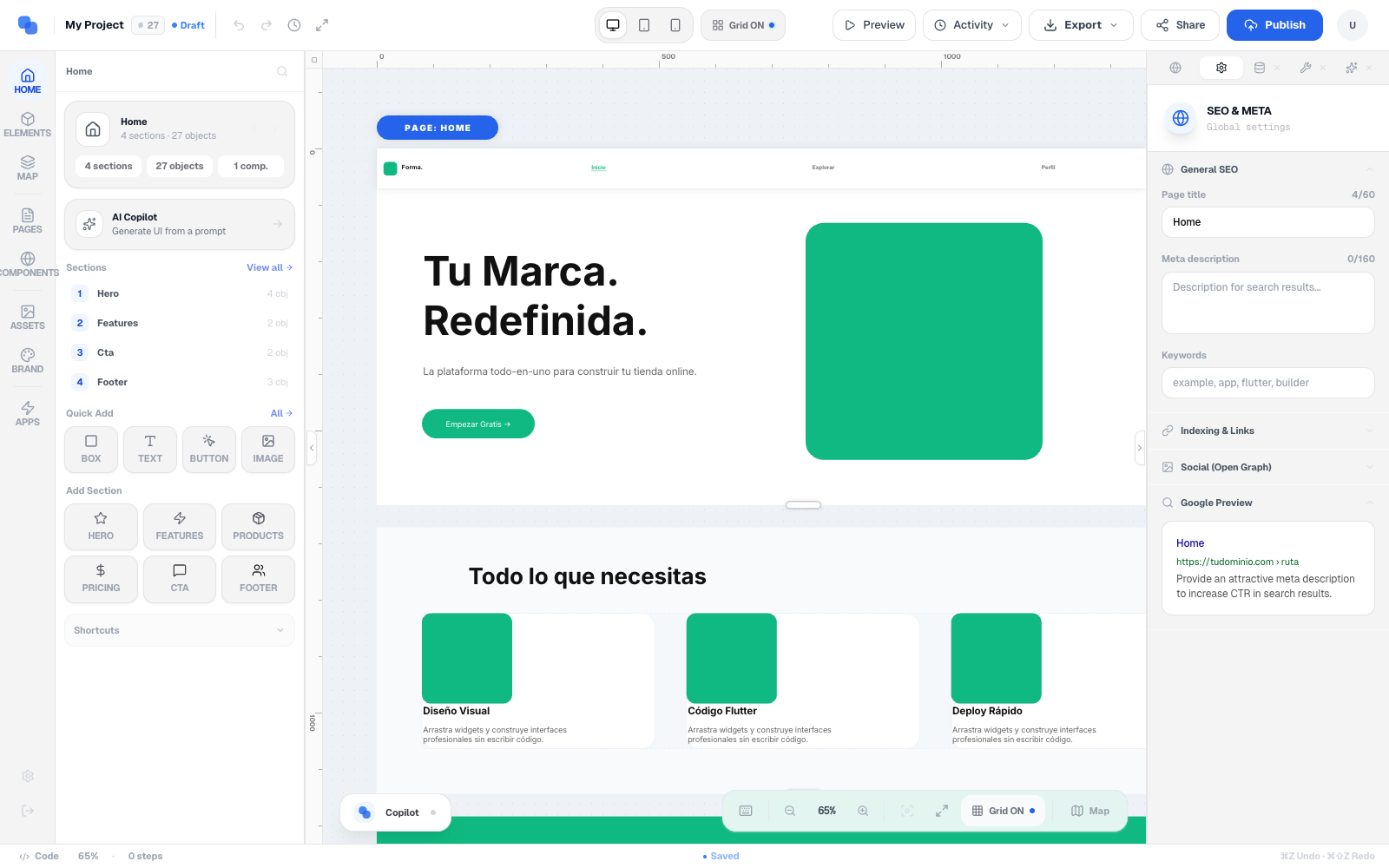
What you can do
A canvas that speaks Flutter.
Not a mockup tool that hands you a PNG. Every interaction maps to real widgets and real constraints.
Drag, drop, arrange
Pull widgets from the palette and place them anywhere. Free positioning or auto-stacking rows and columns — your call.
Resize with intent
Pixel-perfect or responsive. Drag handles update real Flutter constraints, not throwaway CSS.
Properties panel
Colors, spacing, typography, layout modes — every widget property is a click away, all type-safe.
Live code sync
A panel beside the canvas shows the generated Dart updating with every edit. Edit code and the canvas follows.
Undo, redo, restore
Up to 50 snapshots of history. Experiment freely — you can always step back or branch off.
Multiplayer
Live cursors and presence. Build with your team or review with a client on the exact same canvas.
Truly two-way
Edit either side — the other follows.
Most tools generate code once and forget. Forma keeps the canvas and the Dart in lockstep: change a color on the canvas, the code updates; tweak the code, the canvas reflects it.
Container(
  color: Color(0xFF3B82F6),
)
The numbers
Speed without the throwaway.
0
Lines of boilerplate
Scaffolding, navigation and theming are generated for you
2-way
Code ⇄ canvas sync
Edit either side; the other keeps up instantly
50
Undo levels
Snapshot history so you can experiment fearlessly
Layout modes
Arrange visually, export idiomatic Flutter.
Every container picks a layout mode — and each maps to the right Flutter widget. No messy nested Stacks where a Column belongs.
Free
Absolute x / y
Stack + PositionedVertical stack
Children stacked down
ColumnHorizontal stack
Children in a row
RowHow it works
From empty canvas to shipped screen.
Step 1
Drop a widget
Grab any widget from the palette and place it on the canvas. Start from scratch or from a template.
Step 2
Shape it
Resize, restyle and arrange. The properties panel and live code panel update together in real time.
Step 3
Preview & ship
Test in live preview, then export Flutter or publish to web, iOS and Android.
Go deeper
Built for real builders.
The details that separate a toy from a tool you ship production apps with.
Layout modes
Switch any container between free positioning, vertical stack and horizontal stack. Exports map cleanly to Stack, Column and Row.
Live preview
Toggle an interactive preview to test taps and navigation before you ever export a line of code.
AI assist in-canvas
Select any region and ask Copilot to redesign, refactor or generate a new section inline.
Auto-save & sync
Every mutation is persisted to the cloud instantly. Close the tab, reopen anywhere — your project is exactly where you left it.
FAQ
Builder, explained.
Start building visually.
Open the builder and watch your first screen turn into real Flutter code.